
The history inside your current system is why you've stayed.
Every customer you've ever served. Every vehicle you've ever worked on. Every invoice you've ever written. It's all locked in your current system — and you've assumed that switching software means losing it.
Here's what actually moves, what used to get left behind, and how a migration really runs.
What moves when you switch
Most of your records make the trip cleanly. Your customer list, your inventory, your vendors, your employees — the everyday backbone of the shop — come across in a properly prepared migration.
The exception has always been your invoice history: the record of every job you've ever done, for every customer who's ever walked in. That's the part shops used to leave behind — and the reason so many owners refuse to switch at all. Keep the old computer running in the corner just to look things up, or lose the history. Some choice.
It doesn't have to go that way anymore. Invoice history has come across in a direct import — thirty years of it on a single job — and getting yours over intact is exactly what you'd be hiring Basler Consulting to do.
How your migration actually runs
Two to six weeks out. Planning starts well before anything moves — the timeline depends on your shop's size and which system you're leaving. Your export gets prepped, your data gets cleaned, and every field gets mapped to the new program's structure.
Before cutover. The new system gets built out and your people practice on it. Nobody at your counter is learning the software live in front of a customer.
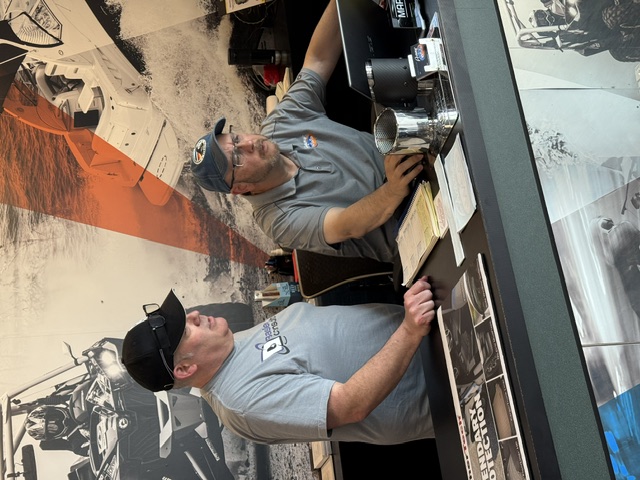
Go-live. On the full on-site package, Richard Basler is standing in your shop that morning — running the cutover and training at the counter as your team writes real tickets. And he deals with the software vendor directly: the hiccups, the questions, the tech-support calls. You run your shop; he handles the software company.
After. Honest number: plan on thirty days or more before the new system feels like yours. The goal at cutover is minimal downtime; the adjustment period is real and you'll hear that up front, not after.
When it goes sideways
Preparation removes most of the risk. Not all of it.
When something breaks mid-migration — and something can always break — the question is who's standing in your shop when it does.
That's what you're really hiring: somebody who has already watched a migration go sideways, stayed level, worked the problem with the vendor, and had the shop open on time anyway.
What going it alone looks like
Shops have been taking this on without help for as long as Richard has been watching — over a decade. It goes one of three ways:
It all lands
The data comes across, the setup gets finished, the reports run. It happens — just not often.
It drags for months
Vendor onboarding covers some of it, but the setup stretches across weeks or months and never gets fully implemented. You end up using a fraction of what you're paying for.
Limbo
The technology fights you, the vendor's support can't cover the gap, and you're stuck between a system you've shut down and one you can't run.
Thirty years of records made it across. Yours can too.
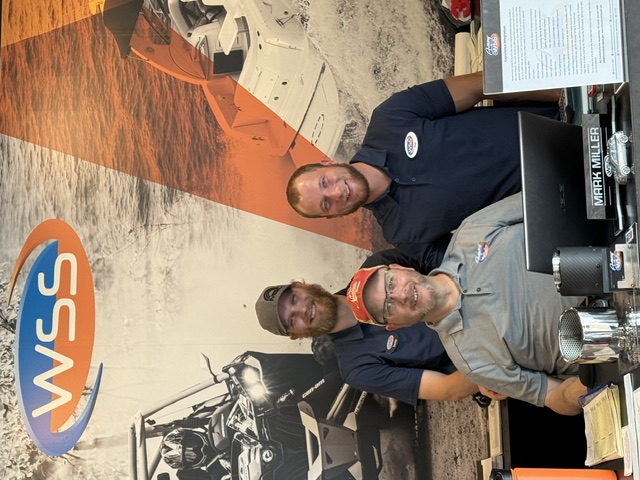
A shop that ran the same system for thirty years moved every record it had — invoices included — with Richard at the counter through go-live. The owner put his name on the full story, wobbles and all.
Your history is the first thing we talk about.
Book the free 30-minute call. Say what system you're on and how far back your records go — you'll get a plain answer on what comes across and what doesn't.
Book the Free 30-Minute CallNot ready to talk? Get the Free 7 Signs Checklist →
If a POS switch is anywhere on your horizon, book now — the prep work starts well before cutover day, and the shops that start early are the ones that skip the bumps.